kQSO Open kQSO CSEN

Satellite profile

A pass lasts ten minutes. The log has to keep up.

An antenna in one hand, the phone in the other. kQSO wants the call, report and locator on one line and knows the rest from the satellite.

One log per pass

You pick the satellite when you create the log. It sets the uplink and downlink bands and the satellite's name in the ADIF. On linear birds you switch ssb and cw.

9A2U 59 JN75RO

Call, report and locator. An empty Enter saves.

  • Suggestions from a database of about 5,300 satellite operators' calls with locators.
  • Dupes are checked per satellite.
  • A map of the pass's locators, offline.
  • The QSOs carry the uplink and downlink frequencies, so Wavelog knows them after the push.
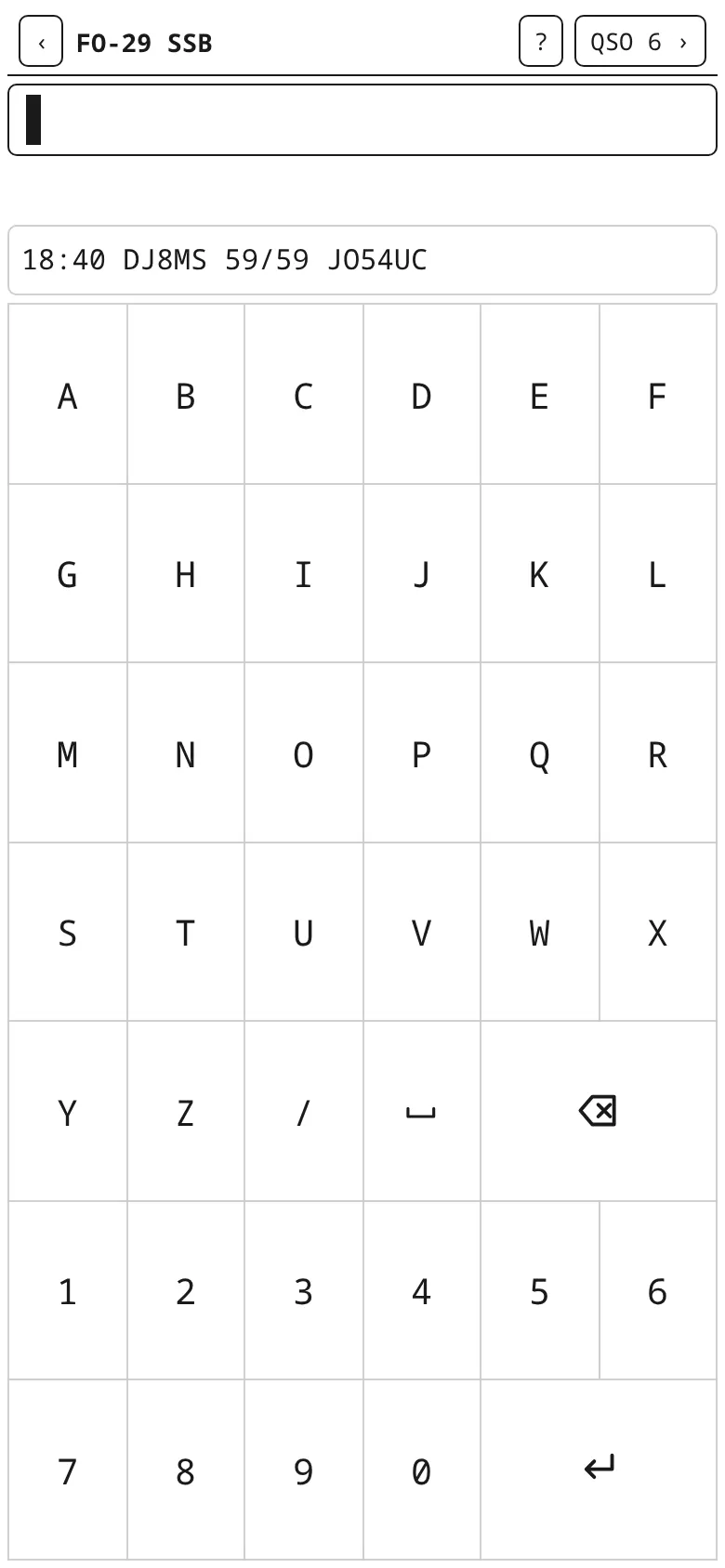
Logging an FO-29 pass
An FO-29 pass.

On an e-ink phone too

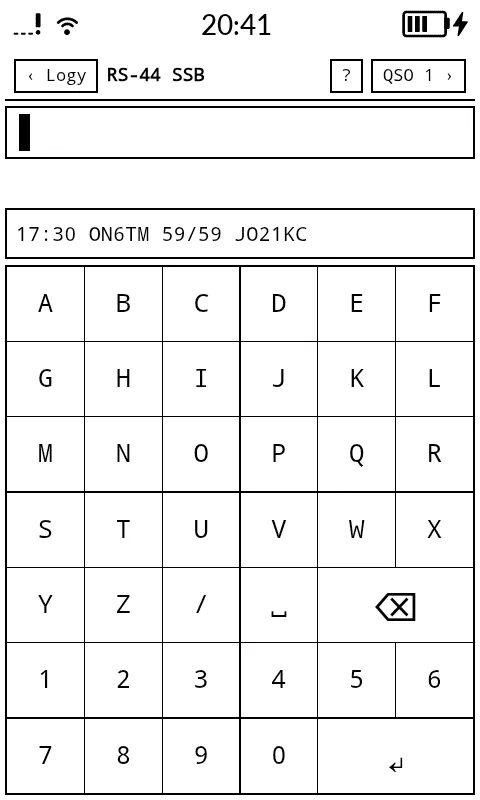
The e-ink display mode is black and white, with no animations and thick borders, so it reads well in the sun. It is tuned on the Mudita Kompakt (480×800), where kQSO runs as the APK from GitHub. Turn it on in Settings → Display.

Mudita Kompakt with an e-ink display: logging a satellite pass
Mudita Kompakt: a satellite pass on the e-ink display.